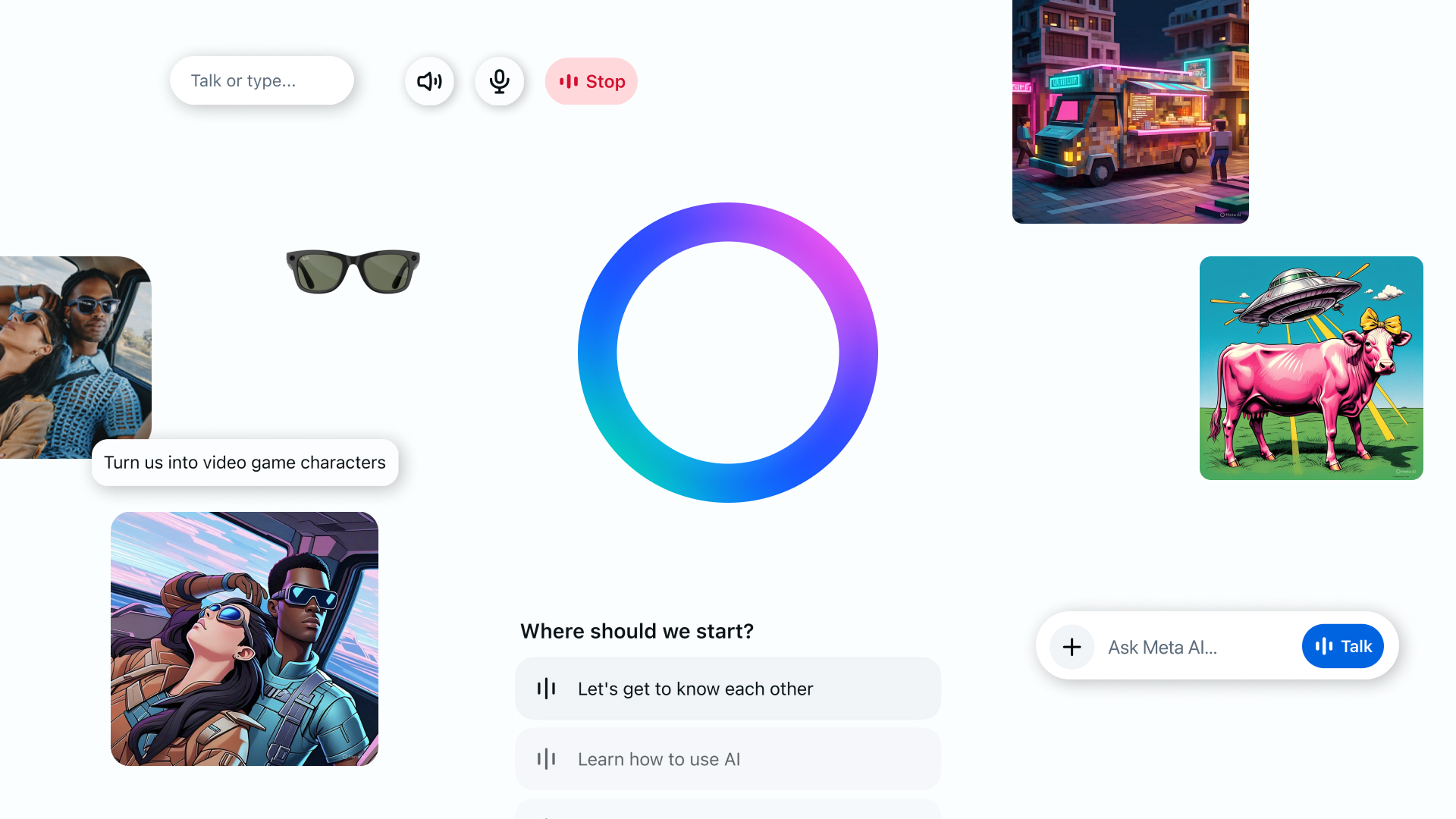
Meta has launched a groundbreaking new tool that promises to reshape how users interact with artificial intelligence. The Meta AI App is now available as a standalone assistant designed to provide deeply personalized, seamless support across voice, text, and connected Meta platforms. Powered by Llama 4, the app blends context-aware technology with conversational ease, helping users interact with their AI assistant in more natural, intuitive ways.
Let’s explore everything you need to know about the new Meta AI App, including its features, functionality, and vision for the future of personalized AI.
What is the Meta AI App?
The Meta AI App is a new standalone application built by Meta to make AI assistance more personal and accessible. It integrates voice and text capabilities, connects across WhatsApp, Messenger, Facebook, Instagram, and now AI glasses, and provides a consistent and continuous experience wherever you are.
At its core, the Meta AI App is designed to:
- Learn and adapt to your preferences
- Remember context across sessions
- Support multitasking and mobile interaction
- Enhance accessibility through voice commands
- Offer personalized answers based on Meta data
With this, Meta sets a new standard for user-focused AI interaction.
Built on Llama 4: Smarter, More Natural Conversations
One of the most exciting innovations in the Meta AI App is the use of Llama 4, Meta’s advanced AI model that drives smarter and more human-like conversations. Llama 4 supports:
- Contextual understanding to tailor answers based on your preferences and previous interactions
- Conversational tone that feels more personal and responsive
- Enhanced voice interaction powered by full-duplex speech technology
This model doesn’t just reply — it engages in natural dialogue, making it feel like you’re talking to a real assistant, not just a bot.
Personalization at the Core
Meta has used decades of experience in personalization to ensure the Meta AI App is finely tuned to individual users. The app can:
- Remember details like your hobbies, language preferences, or frequent searches
- Pull relevant data from your Facebook and Instagram profiles (if connected via Accounts Center)
- Offer tailored responses based on your shared Meta activity
The result? A truly personalized AI assistant that understands your habits, lifestyle, and communication style.
Explore the Discover Feed
The Meta AI App introduces the Discover Feed, a new feature that allows users to:
- Explore how others are using Meta AI
- Share unique prompts and conversations
- Remix prompts for creative or practical purposes
This social feature helps users inspire each other while showcasing the app’s diverse capabilities. All sharing is opt-in — nothing goes public unless you choose to post.
Voice Interaction, Enhanced
Meta has taken voice control to the next level. In addition to simple commands, the app features:
- Voice-first design for seamless multitasking
- A visible microphone icon to show when AI is listening
- A full-duplex speech demo, which generates speech directly rather than reading written responses
- The ability to toggle voice controls on/off and customize them via settings
Currently, full voice support is available in the US, Canada, Australia, and New Zealand, with more countries expected to follow.
Integration with Meta AI Glasses
The Meta AI App now serves as the companion for Ray-Ban Meta smart glasses. Key integration features include:
- Starting a conversation via your glasses and continuing it in the app
- Viewing conversation history across devices
- Managing paired glasses directly within the app under the Devices tab
- Automatically transferring all device settings and media from the former Meta View app
This tight integration creates a seamless AI ecosystem between devices, allowing users to interact fluidly regardless of platform.
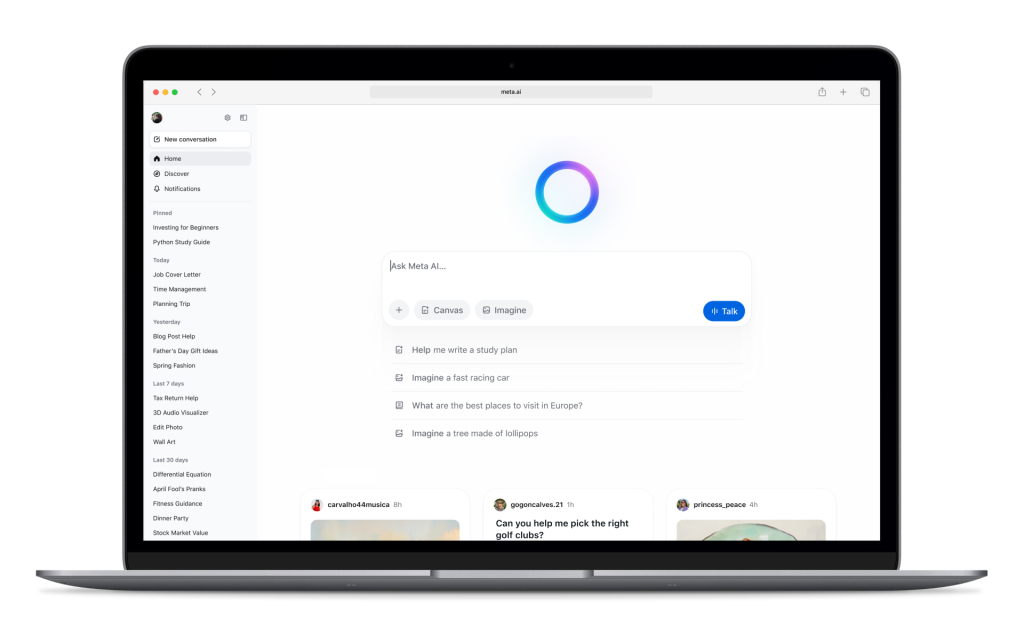
Meta AI on the Web and Desktop
In addition to mobile and glasses integration, the Meta AI App expands into the desktop world with a powerful web version featuring:
- Voice interaction support
- Discover Feed continuity
- Enhanced image generation tools with options for mood, lighting, and style
- A rich document editor for generating content with images and exporting as PDFs
- File upload and analysis features (currently in testing)
The desktop upgrade ensures consistent functionality and access across screen sizes and workflows.
You’re in Control
Meta emphasizes user control throughout the app experience. Key privacy and customization features include:
- Toggle switches for enabling/disabling voice features
- Choice to share or keep Discover feed activity private
- Easy access to settings for managing data, memory, and permissions
The goal is to empower users while maintaining transparency and security.
Final Thoughts on the Meta AI App
The Meta AI App represents a major leap forward in personal AI technology. Built with Llama 4, powered by context-aware systems, and integrated across multiple platforms, it delivers an experience that is helpful, personal, and seamless.
Whether you’re navigating your day, generating creative content, managing tasks hands-free, or simply exploring AI’s capabilities, this new app puts Meta AI right where you need it — in your pocket, on your glasses, or on your screen.
With continuous updates, user feedback loops, and expanding functionality, the MetaAI App is just the beginning of a more connected and intelligent future.